RetroLauncher
A downloadable tool for Windows, macOS, and Linux
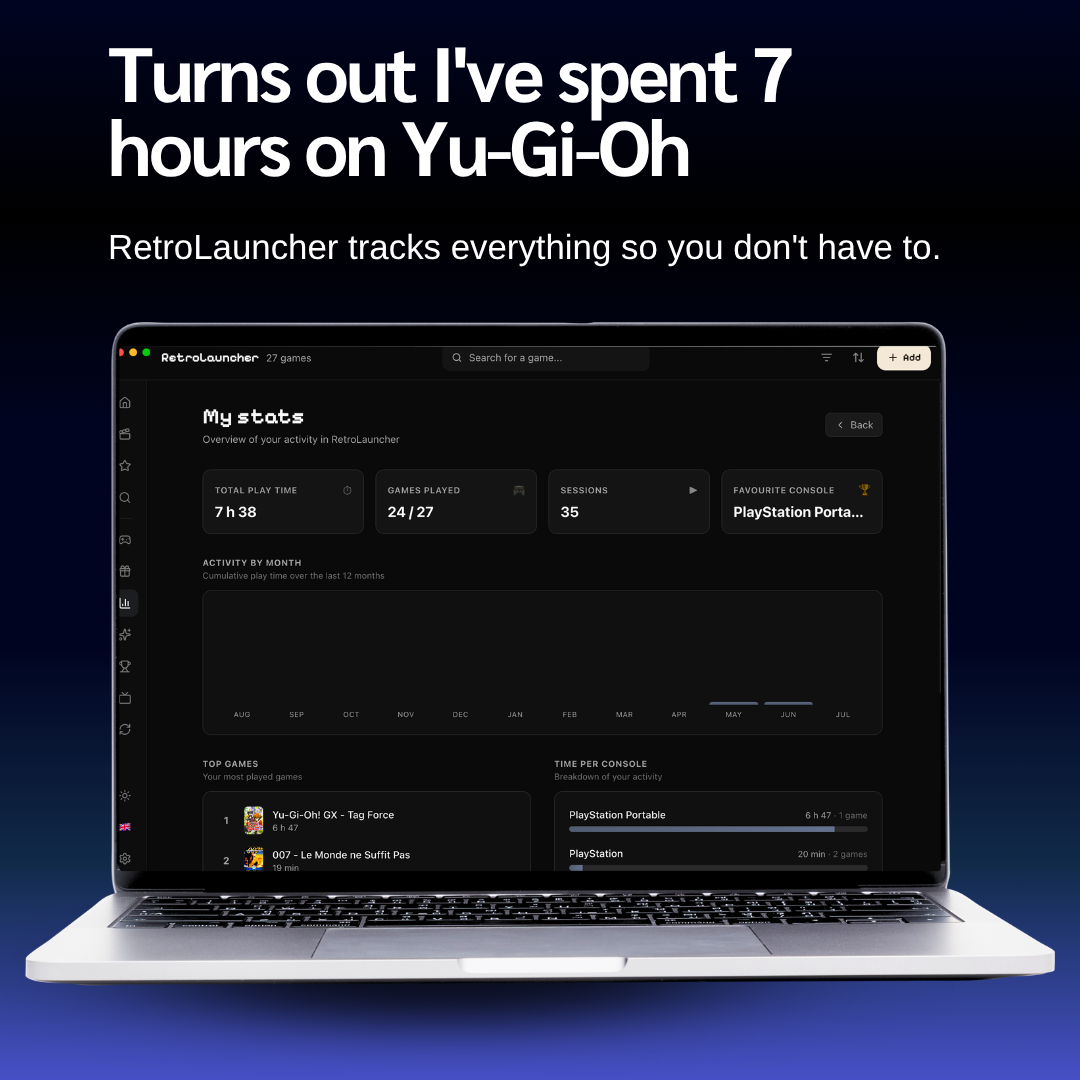
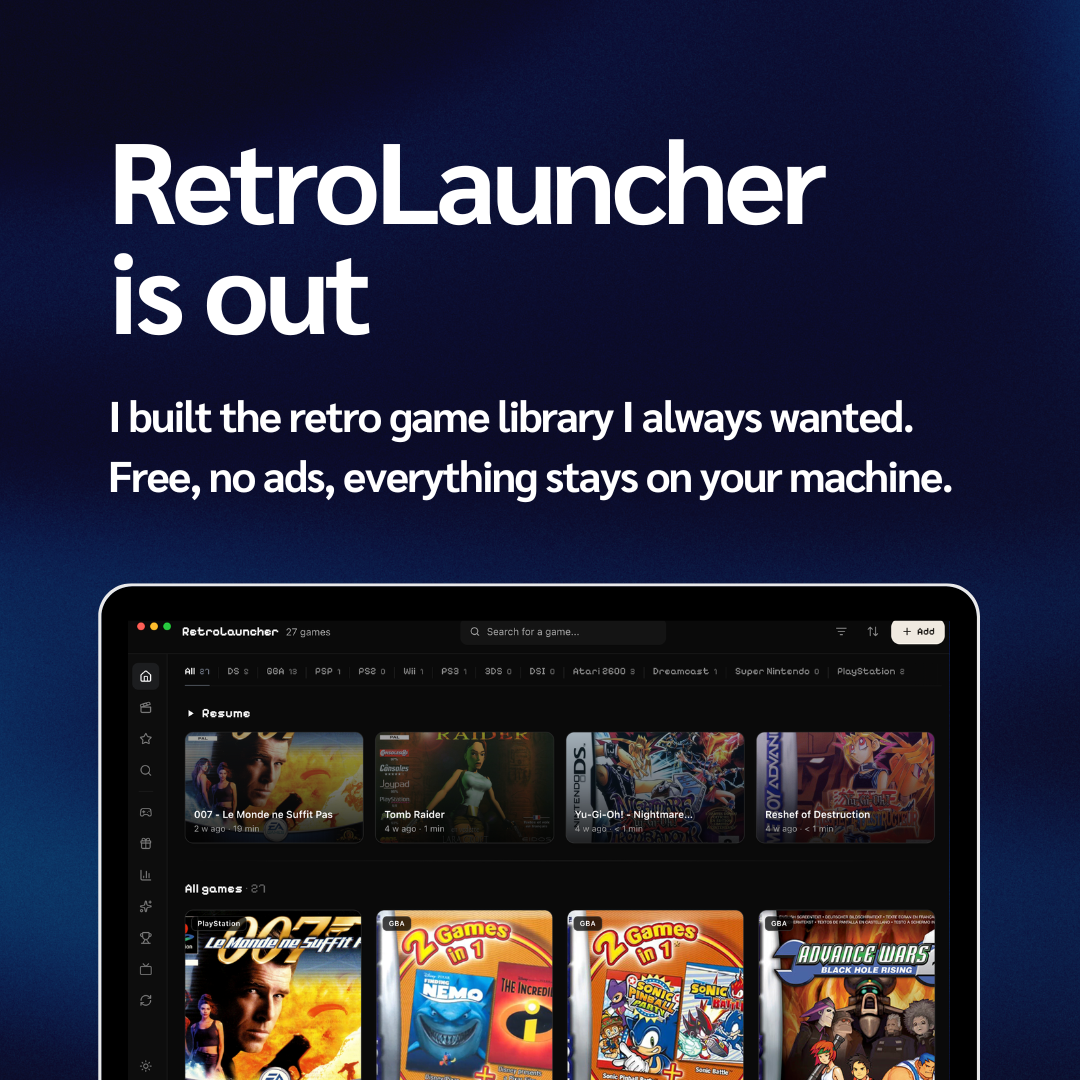
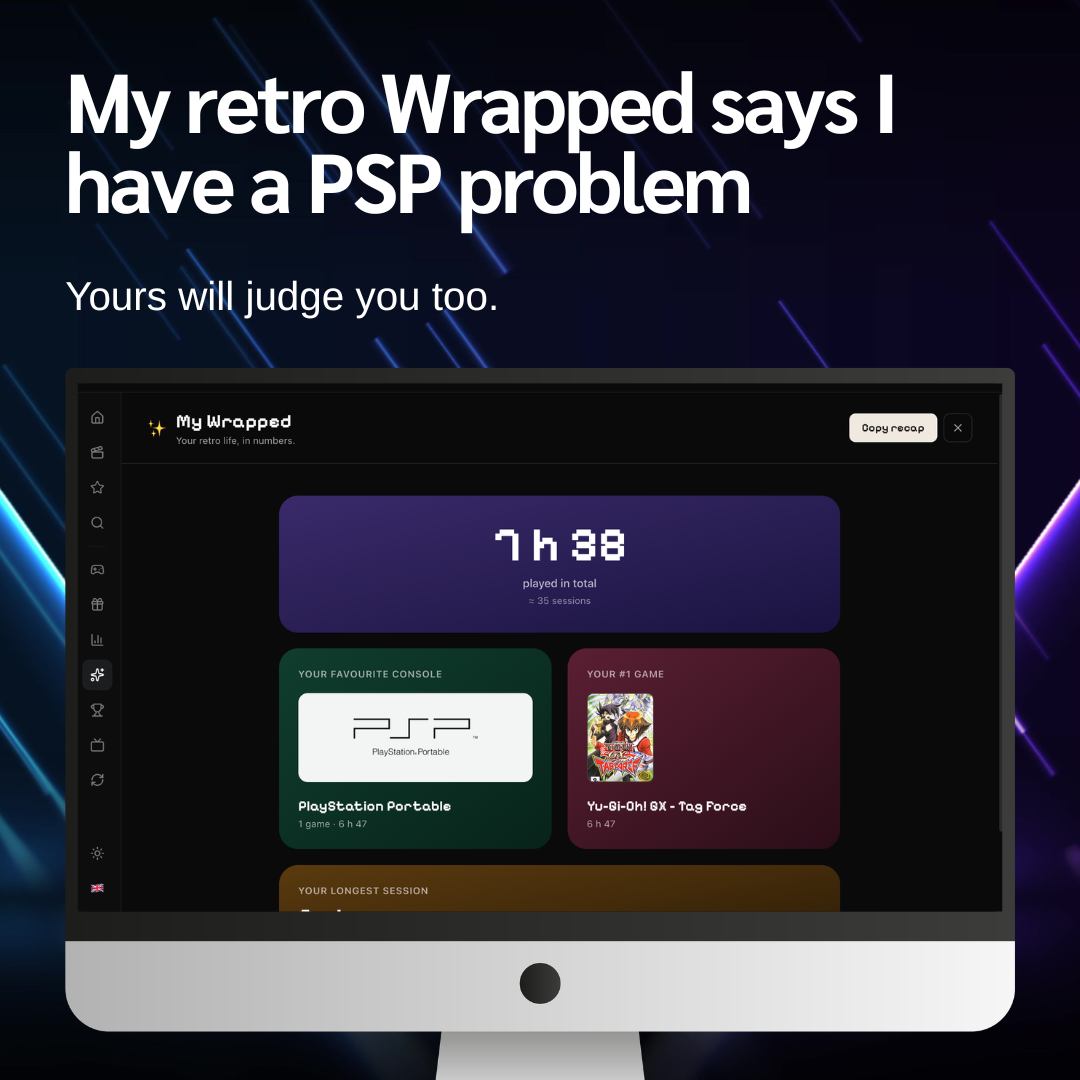
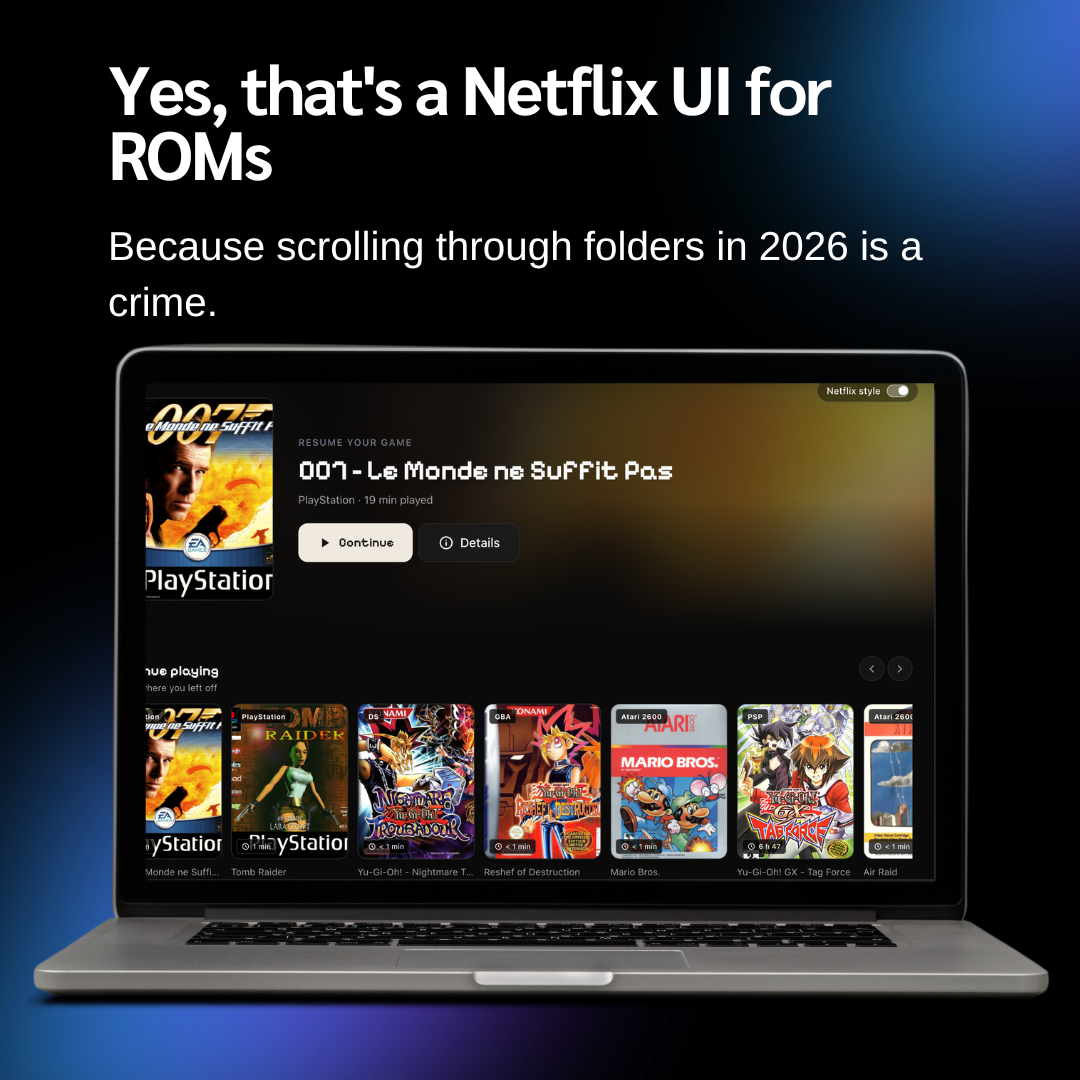
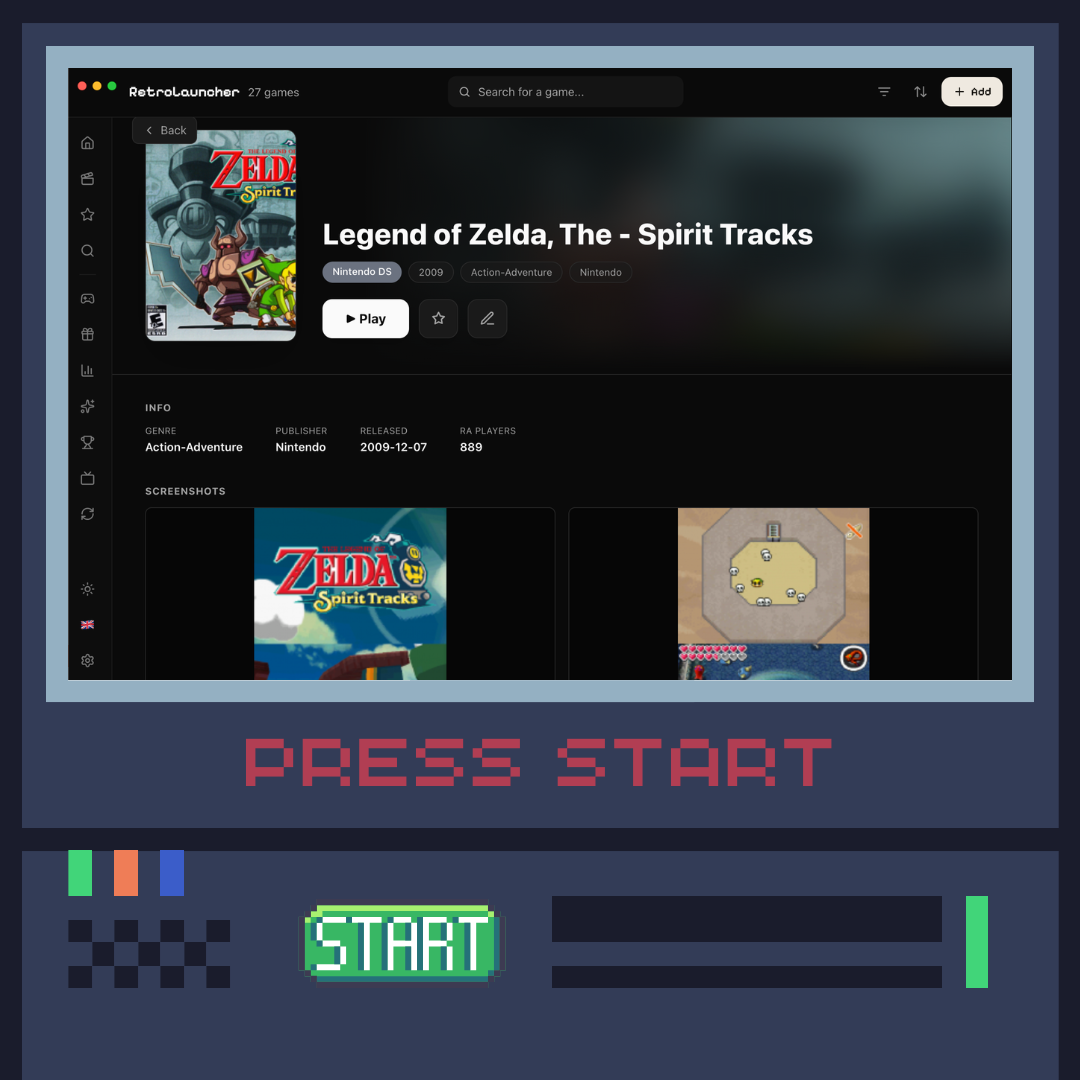
RetroLauncher is a free desktop app built to organize and launch your retro game collection from one place.
• Organize games from multiple systems in one library
• Browse covers and game information
• Launch games with your installed emulators
• RetroAchievements support
• Available on Windows, macOS, and Linux
RetroLauncher does not include games, ROMs, or BIOS files. It is designed to work with files you already own.
Website: https://retrolauncher.fr
Download
Install instructions
Download the version that matches your operating system.
Windows: run the installer (or extract the ZIP). SmartScreen may warn because the app is new — click "More info" then "Run anyway".
macOS: open the .dmg and drag RetroLauncher to Applications. If macOS blocks the app (unidentified developer), right-click the app → Open, or go to System Settings → Privacy & Security → "Open Anyway".
Linux: make the AppImage executable (right-click → Properties → allow executing, or `chmod +x`), then run it. Deb/RPM packages are available on the website.
RetroLauncher does not include games, ROMs, BIOS files, or emulators. Add your own game files — the app can install emulators for you from their official sources.
Leave a comment
Log in with itch.io to leave a comment.